Share meetings with anyone
We've made several updates to sharing that improve the whole experience: you can now share meetings with anyone, choose how much access people get, and set defaults for how meetings are shared with invitees.
Share with anyone
You can now share meetings with anyone by entering their email. They don't need to be in your workspace or invited to the meeting. They'll get an email with the notes and a link to open the meeting in Circleback.
Choose access levels
When sharing a meeting, whether with specific people or via a link, pick one of three access levels:
- Limited viewer: view meeting notes and action items
- Viewer: view meeting notes, action items, transcript, and recording (if available)
- Editor: view and edit meeting notes, action items, transcript, and recording
Share the full picture with a teammate, or just the notes with a client.
Set sharing defaults
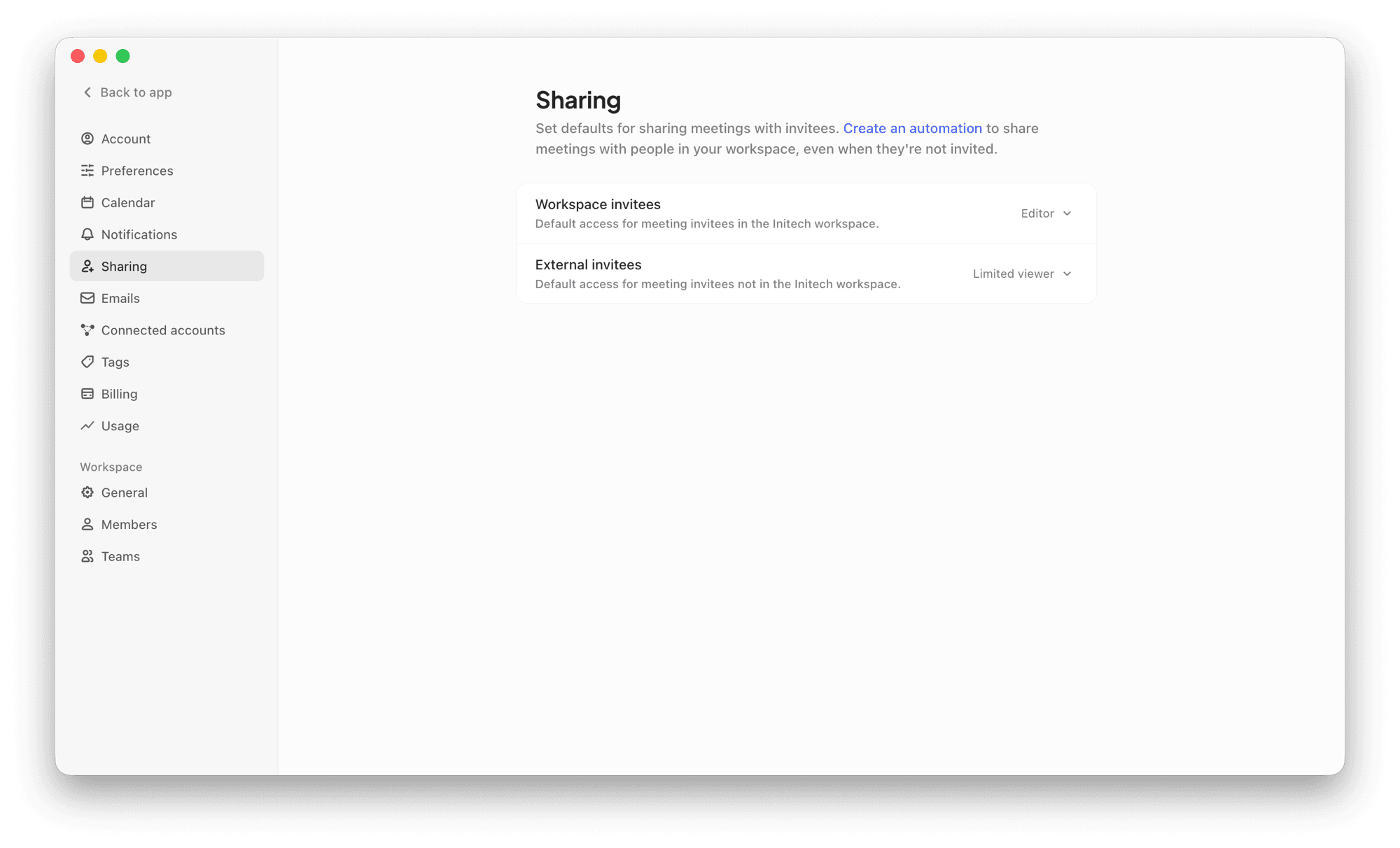
New settings let you choose defaults for how meetings are shared with invitees, including different access for invitees in your workspace and those outside it. Go to Settings → Sharing to set your own defaults. Workspace admins can set defaults for everyone or enforce them across the workspace from Settings → General → Sharing.