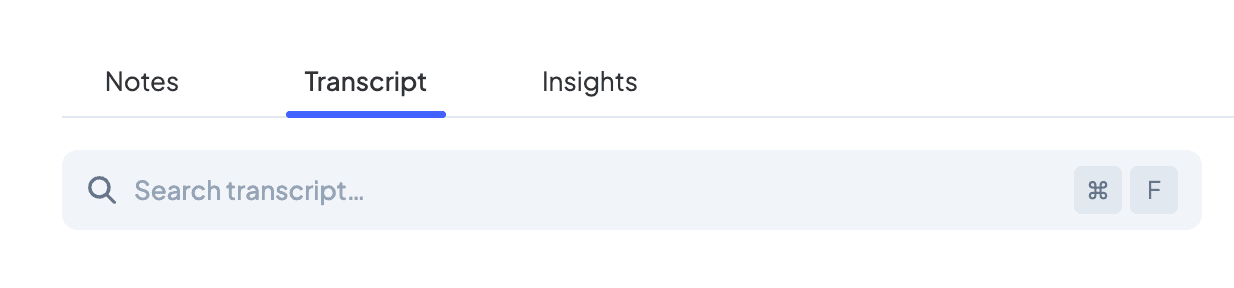
Improved transcript search
October 7, 2024
We've added keyword search to meeting transcripts. From the Transcript tab of a meeting, you can now search your conversation and be brought instantly to the part you're looking for. Use ⌘ F (Ctrl F on Windows) to search and press Escape to clear your search. Click on a result to start playing the meeting from that point.