
Blog
News and guides from the Circleback team.
How Circleback Writes Meeting Notes and How to Check Them
How Circleback turns a meeting into notes, from speaker-labeled transcripts and screen content to private notes, and how to check any note against the recording.
AI Notetakers That Don't Send a Bot to Your Zoom or Teams Call (2026)
Circleback's desktop app records Zoom and Teams calls with no bot, on every plan including Free, compared with Granola, Krisp, Jamie, Fellow, Fathom, and more.

How we rebuilt our Electron recording engine in Swift
How we moved our Electron app's recording engine from the render process to native Swift, bridging ScreenCaptureKit and libobs to React with a Combine-to-Jotai tool.

How to Build 13 Circleback Automations: Complete Setup Guide
Step-by-step setup instructions for 13 Circleback automations — CRM updates, Slack routing, follow-up drafts, customer feedback extraction, and more.

13 Circleback Automations That Save Hours Every Week
Practical automations you can build in Circleback right now — from sales call summaries in Slack to CRM syncing to AI-powered customer health alerts. No code required.

How to Connect Circleback to Claude, ChatGPT, and Cursor with MCP
Connect your meetings, calendar, and email to Claude, ChatGPT, Cursor, and other AI tools through Circleback's MCP connector. One-click setup, no code required.

Meeting Data as AI Context: Why MCP Changes Everything
Your AI assistant is only as useful as the context it has. Meetings are the richest source of work context most teams aren't piping into their AI tools. Here's why that's about to change.

What Is MCP (Model Context Protocol) and Why Your Meeting Tool Needs It
MCP is the open standard that lets your AI assistant access your meeting data, calendar, and email. Here's what it actually does, how it works, and why it matters for how you use AI at work.

Recording Consent for AI Meeting Notes: What You Need to Know
The one-party vs. two-party consent framework is dangerously incomplete. Here's what recording consent for AI meeting notes actually requires — across US states, GDPR, and regulated industries.

When Should Your AI Notetaker Be Visible, and When Shouldn't It?
AI meeting tools offer bot-based and desktop recording. A visible bot is ideal for team meetings; desktop recording works better for sensitive calls. Here's how to choose.

How AI Meeting Notes Actually Work
AI meeting notes involve 4 distinct stages — speech recognition, speaker diarization, summarization, and action item extraction. Here's what's really happening and why it matters.

How to record a Zoom meeting
Recording a Zoom meeting is straightforward. But getting value from that recording? That's where most people get stuck.

Build organizational memory to speed up onboarding
When a new employee joins your team, there's a period where they're learning more than they're contributing. Everyone knows this. What most companies underestim…

How we fixed Postgres connection pooling on serverless with PgDog
We were afraid to deploy during business hours. Not because of bad code, but because our connection pooler couldn't handle the spike. Every deploy to Vercel spun up a flood of new serverless functions, each one grabbing a database connection. The pooler would buckle, users would see errors, and we'd wait a few minutes for things to settle. For a startup that needs to ship fast, "don't deploy during peak hours" is not a viable strategy.
Why are agentic AI meeting assistants useful?
Traditional AI meeting assistants are essentially sophisticated note-takers. They listen, they transcribe, they summarize, and then they wait for you to do some…

Do you need an AI meeting agent?
AI meeting agents automatically record, transcribe, and analyze meetings to produce structured summaries, action items, and follow-up tasks. They work when docu…

What's the best meeting automation tool?
Meeting automation tools have transformed from simple transcription services into sophisticated AI-powered platforms that can capture, analyze, and act on meeti…

Which tool produces the best AI meeting notes?
Circleback produces technically superior transcripts with exceptional accuracy and clarity. Users report 95%+ accuracy across 100+ languages, with one reviewer…

Getting started with meeting automation
Most meeting content is forgotten quickly. Finding specific discussions across teams becomes challenging when documentation is scattered, incomplete, or missing…
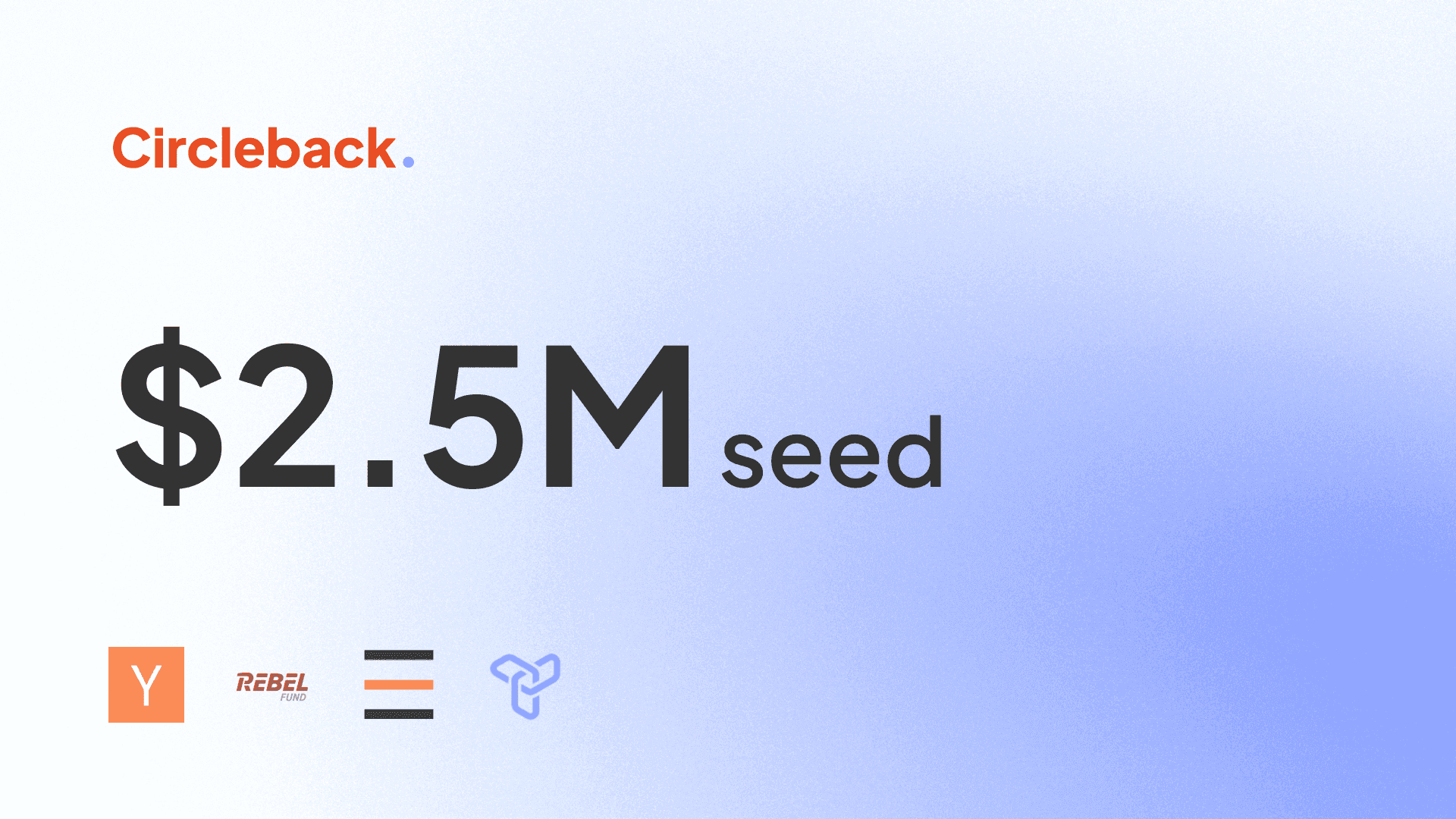
Circleback raises $2.5M in seed funding
We’re excited to announce that we’ve raised $2.5M in seed funding from Y Combinator, Rebel Fund, Pioneer Fund, and Transpose Platform, along with angel investor…

How to take notes for a communication plan
During a communication plan meeting, team members discuss the goals, target audience, key messages, and channels to be used for effective communication. They al…

How to take notes for a post mortem
During a post-mortem, a team gathers to review a project or event, discussing what went well, what went wrong, and how to improve in the future. Notes are taken…

How to take notes for a upsell meeting
During an upsell meeting, sales representatives present additional products or services to a customer in an effort to increase the value of their purchase. The…
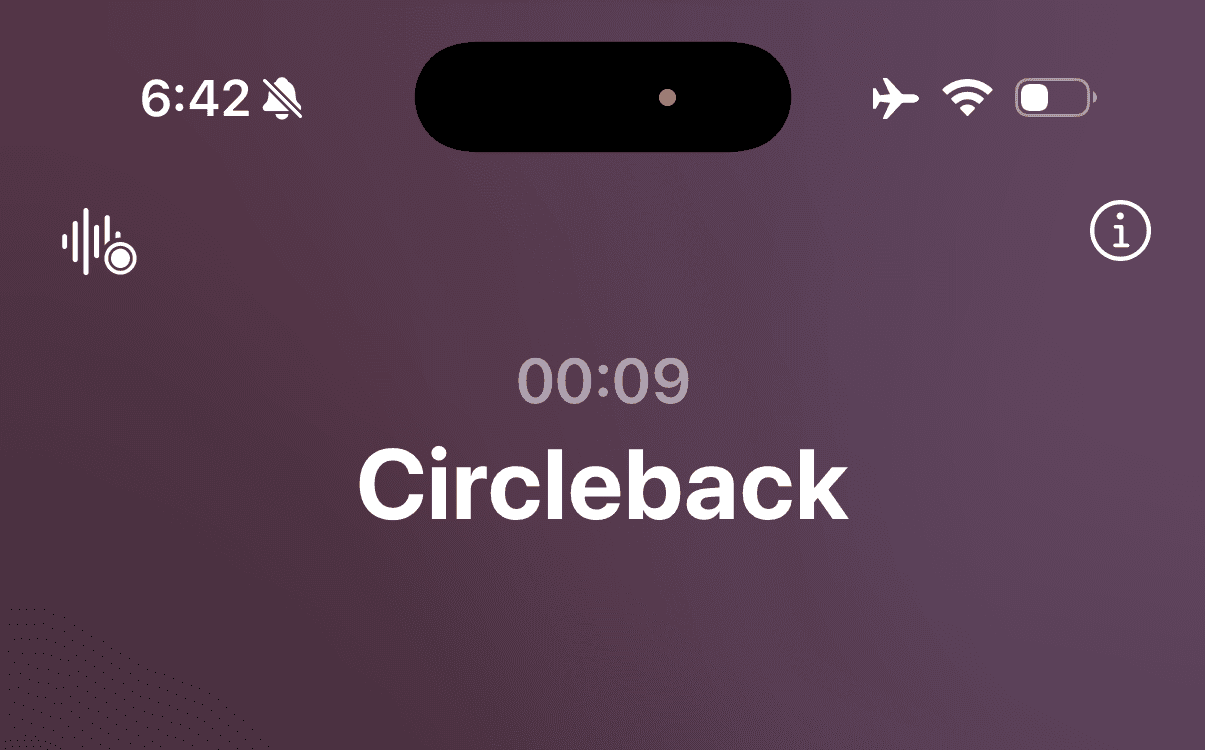
Transcribe and summarize phone calls on iPhone
With the release iOS 18.1, you can record calls on iPhone. In this post, we'll cover how to use Circleback to transcribe (in over 100 languages) and get an AI-w…

AI meeting notes: What should you look for?
Meetings contain critical information that teams need to reference and act on. Research shows that 80% of meeting content is forgotten within a week, and findin…
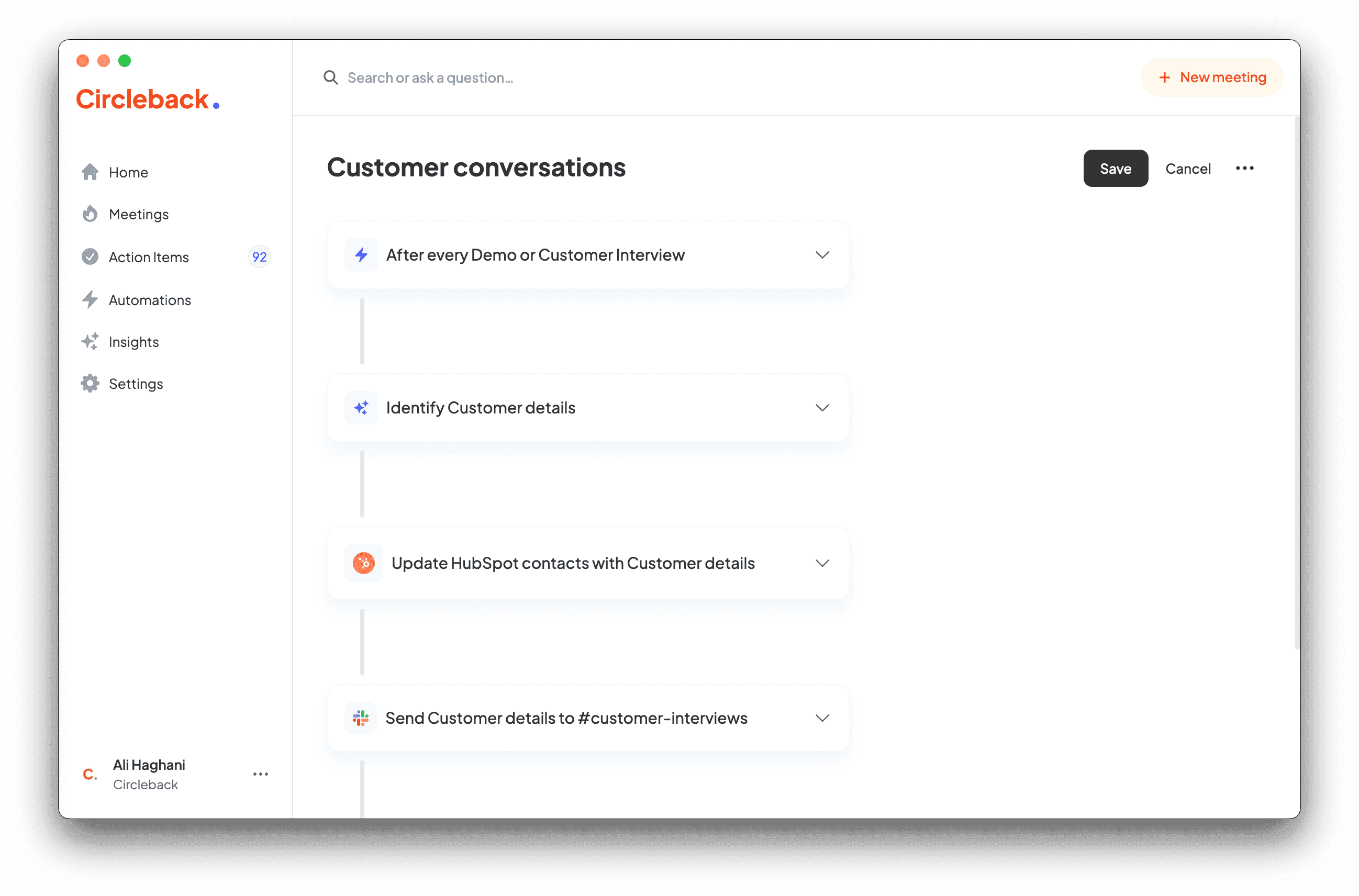
Use automations to identify insights in meetings
Automations in Circleback are a powerful and flexible tool which can be used to identify and take action on specific details that come up in your meetings.

How to take notes for a performance review
During a performance review, an employee meets with their supervisor to discuss their job performance, goals, and areas for improvement. The supervisor provides…

How to take notes for a team meeting
During a team meeting, members discuss project updates, share ideas, and address any issues or concerns. Taking notes helps ensure important information is capt…
How to use Circleback with Webex meetings
This guide explains two methods to use Circleback with Webex to get AI-powered notes, action items, and insights as well as recordings and transcripts for your…
Automatically update Attio with meeting notes and action items
In this guide, we'll show you how to automatically update Attio objects (i.e. people, companies) with meeting notes, action items, and other insights after your…
Automatically update HubSpot with meeting notes and action items
This guide shows how to automatically log your client or prospect meetings on HubSpot contacts or deals, with meeting notes, other insights, and a HubSpot task…
Automatically update Salesforce with meeting notes and action items
In this guide, we'll show you how to automatically update Salesforce records (i.e. contacts, opportunities) with meeting notes, action items, and other insights…
Automatically update Zoho CRM with meeting notes and action items
In this guide, we'll show you how to automatically update Zoho CRM with meeting notes, action items, and other insights after your client or prospect meetings e…

How to take notes for a daily standup
During a daily standup, team members gather to provide updates on their progress, discuss any obstacles they are facing, and coordinate their tasks for the day.…
Automatically create tasks in monday.com for meeting action items
This post details how to connect your monday.com account to Circleback and leverage the power of automations to export your action items to your team's task man…

How to take notes for a brainstorming session
During a brainstorming session, participants share ideas and thoughts on a particular topic, often in a collaborative and open environment. The goal is to gener…

How to take notes for a 1:1 meeting
During a 1:1 meeting, the two individuals typically discuss goals, progress, challenges, and feedback in a private setting. Taking notes during the meeting can…

Transcribe Voice Memos recordings on iPhone
Voice Memos on iPhone is great for quickly recording your thoughts, an interview, or a meeting while on-the-go using the built-in iPhone microphone or an extern…

How to take notes for a budget planning meeting
During a budget planning meeting, team members discuss financial goals, review past spending, and propose new initiatives for the upcoming fiscal year. They als…

How to take notes for a planning meeting
During a planning meeting, team members discuss goals, timelines, and responsibilities for upcoming projects. They collaborate to create a detailed plan of acti…
Automatically create Linear issues for tasks that come up in meetings
Important to-dos that need to be tracked and completed come up in conversation all the time–whether you're talking to a new customer and they hit a snag in the…
Automatically send meeting notes and action items to Slack
In this guide, we'll show you how to automatically share meeting notes and action items in Slack after your Zoom, Google Meet, Microsoft Teams, or even in-perso…

How to take notes for a renewal meeting
At a renewal meeting, the terms of a contract or agreement are reviewed and potentially renegotiated for another term. Participants may discuss any changes or u…

How to take notes for a roadmap meeting
During a roadmap meeting, team members discuss upcoming projects, timelines, and goals to ensure alignment and clarity on the direction of the team. Notes are t…

How to take notes for a board meeting
During a board meeting, members discuss and make decisions on important matters related to the organization's operations and strategy. They review financial rep…

Master the art of taking effective meeting minutes
Importance of Taking Effective Meeting Minutes

Top templates for meeting minutes and how to use them
Meeting minutes templates