Enable HIPAA compliance for your workspace
September 1, 2026
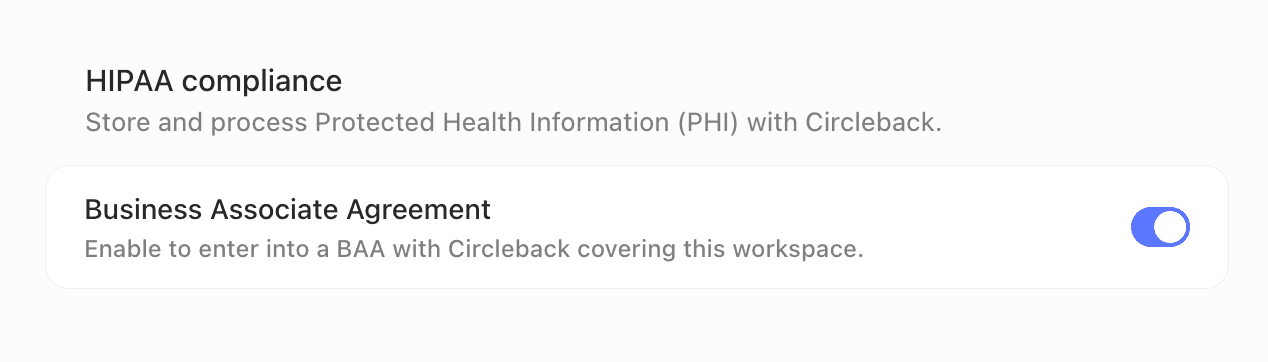
Admins can now enable HIPAA compliance for their workspace directly from settings.
Go to Settings → General (under Workspace), turn on Business Associate Agreement in the HIPAA compliance section, then review and accept the BAA. It takes effect as soon as it's accepted, so you can start using Circleback for conversations that involve protected health information (PHI) right away.