Import call recordings on mobile
July 8, 2026
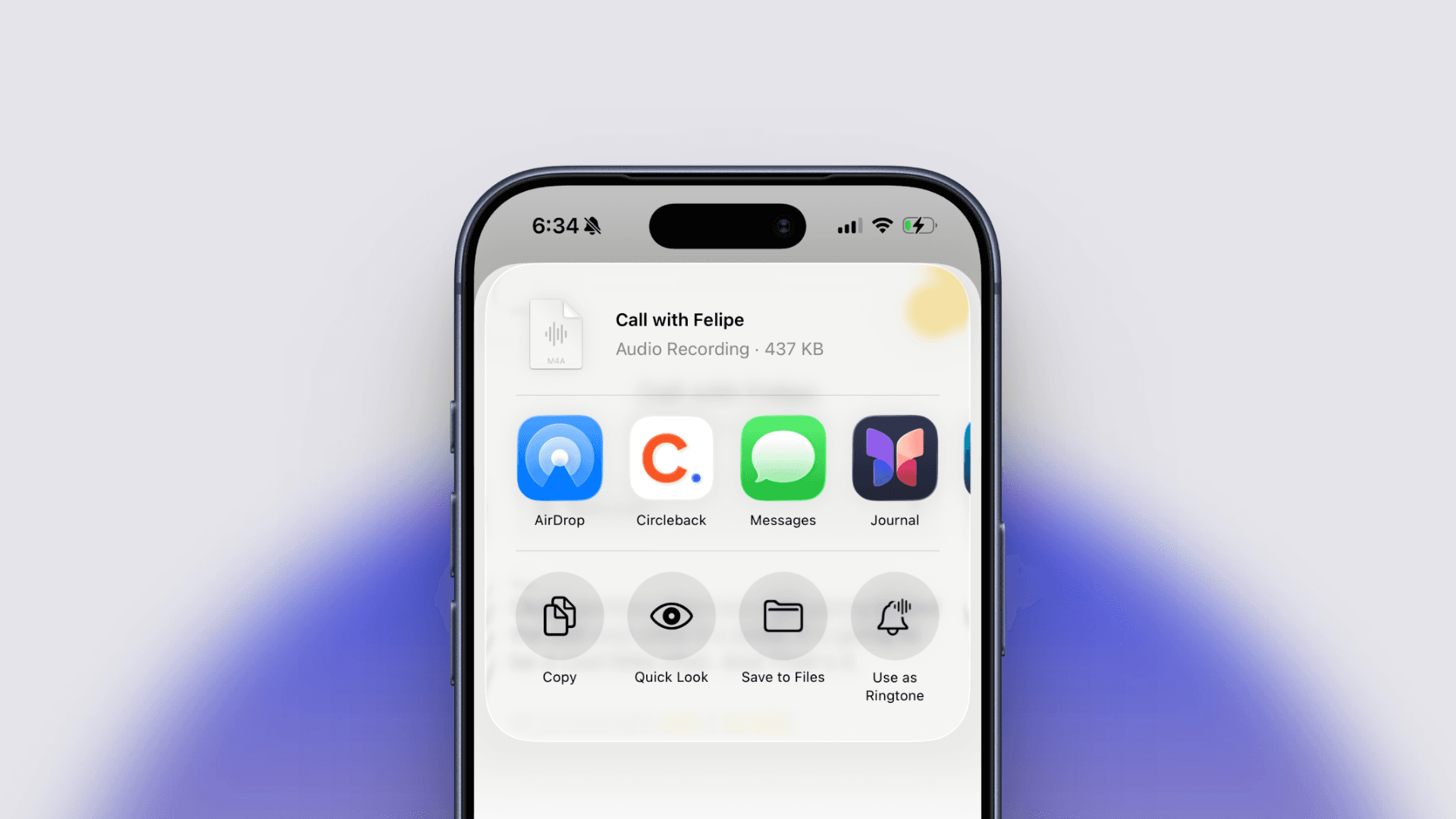
You can now import recordings to Circleback directly from your phone. Bring in recorded phone calls, voice memos, and audio from other apps, and you'll get notes, action items, and a transcript, just like any other meeting.
There are two ways to import. From the Circleback app, tap the new meeting button, then tap ⋯ → Import. From any other app, like Voice Memos or Files, tap Share, select Circleback, and the recording will import automatically.