
Tag upcoming meetings
October 30, 2024
You can now tag upcoming meetings by selecting ⋯ or right-clicking a meeting and selecting a tag. This also enables you to have the relevant workflows run once a meeting is done.
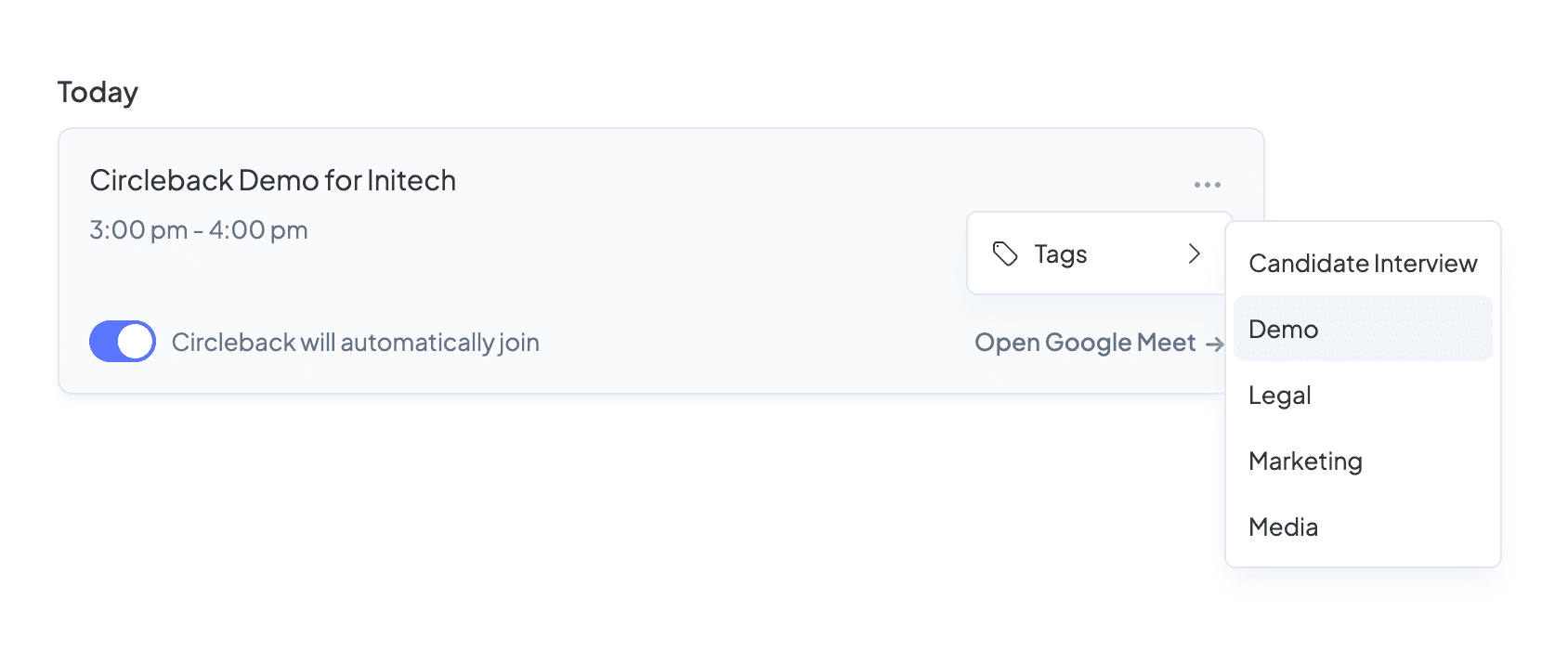
Once already tagged, automatic tagging will not apply additional tags to a meeting.
As part of this release, we've enabled managing tags for past meetings from the meetings page, simply right-click a meeting and select a tag.