
Create a new tag from the meeting context menu
December 9, 2024
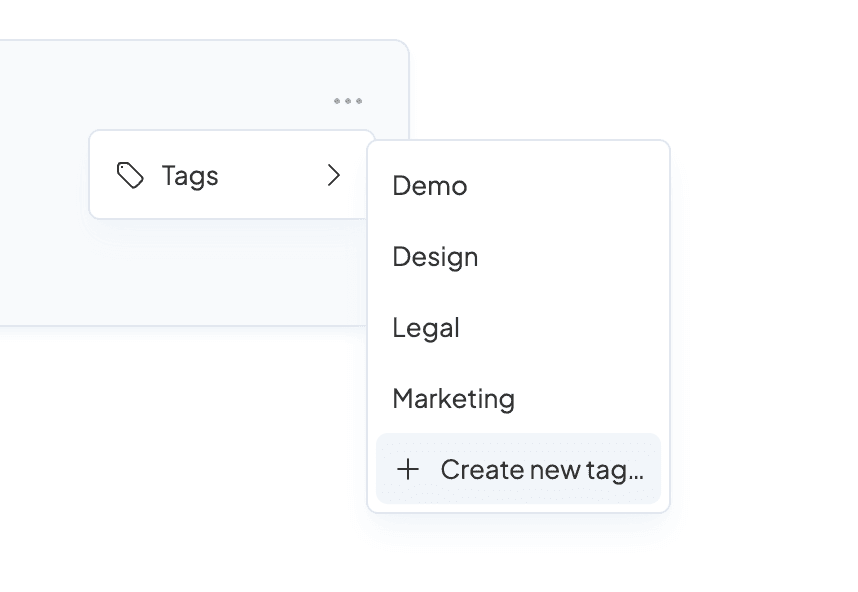
You can now create a new tag from the meeting context menu. Simply select ⋯ or right-click a meeting to create a new tag and add it to the meeting.
You can now create a new tag from the meeting context menu. Simply select ⋯ or right-click a meeting to create a new tag and add it to the meeting.