
Run workflows manually
May 24, 2024
You can now manually run workflows for a meeting. To do this, go to a meeting, open the ⋯ menu in the top right corner, and select Workflows.
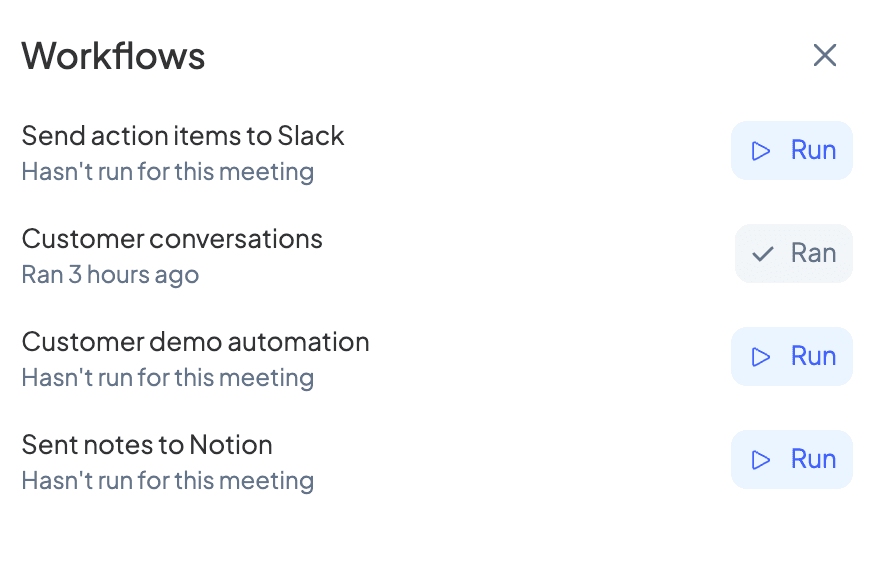
This will show you the workflows relevant to the meeting. From here, you can run a workflow and check the status of previously-run workflows.
Disabled workflows also appear here in case you'd prefer to run certain workflows manually instead.