
Import meetings from other apps
August 28, 2026
If you have meetings in another app, you can now bring them into Circleback. Your history comes with you.
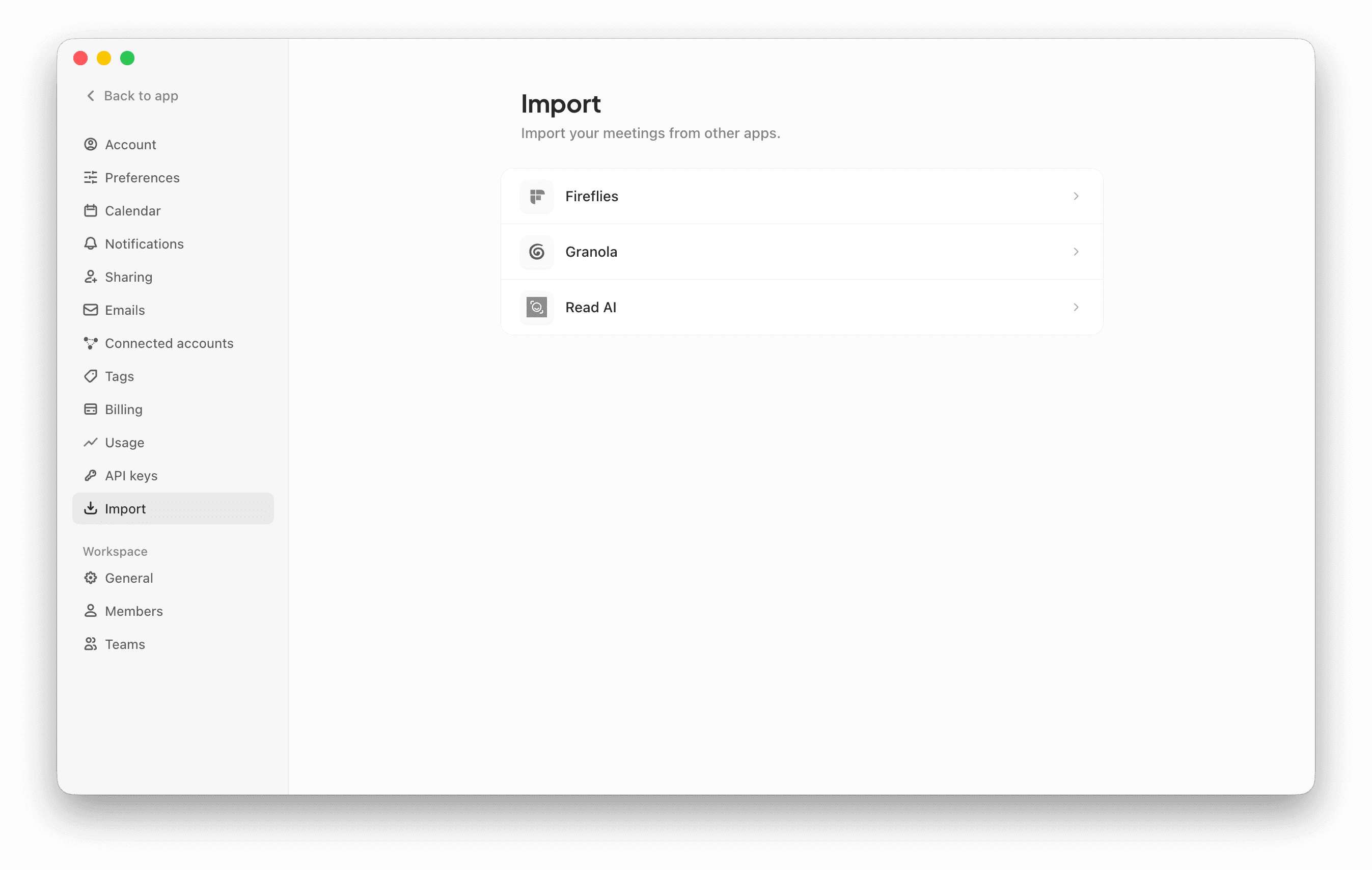
Go to Settings → Import and connect the app you're switching from. You'll see the meetings before they're imported. Circleback brings over notes, transcripts, attendees, and recordings (if available). Imported meetings work like any other meeting in Circleback: you can search them, share them, and ask questions about them.
If your team is moving together, each person can import their own meetings. They'll stay shared with the same people as before.