
Releases
Dark mode
February 12, 2026
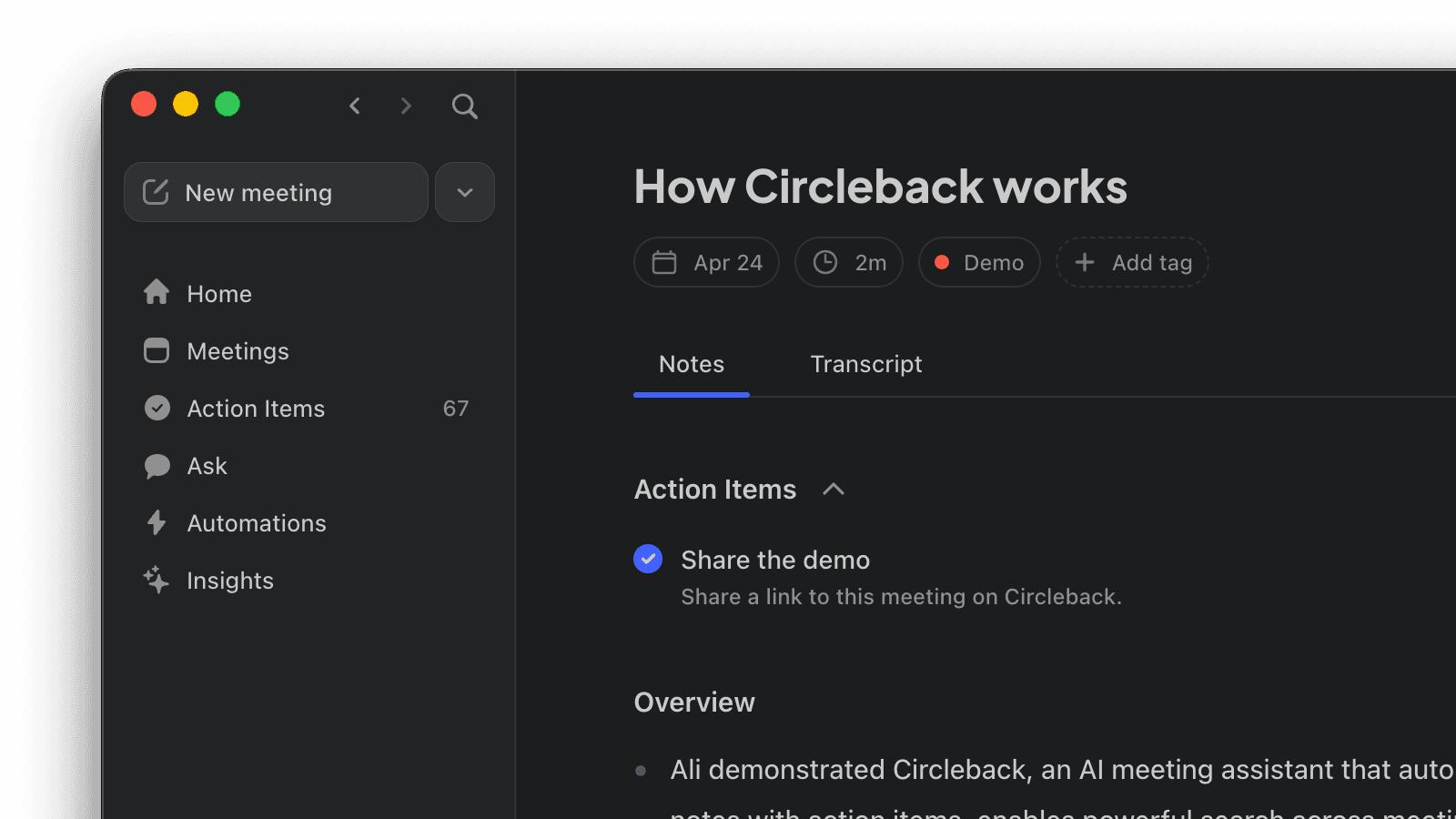
Circleback now supports dark mode on web and desktop. The entire interface adapts to a dark color scheme that's easier on the eyes in low-light environments. Go to Settings → Preferences to choose between Light, Dark, or System. When set to System, Circleback follows your operating system's appearance setting automatically.
Releases
Dark mode
February 12, 2026
Circleback now supports dark mode on web and desktop. The entire interface adapts to a dark color scheme that's easier on the eyes in low-light environments. Go to Settings → Preferences to choose between Light, Dark, or System. When set to System, Circleback follows your operating system's appearance setting automatically.

Releases
Dark mode
February 12, 2026
Circleback now supports dark mode on web and desktop. The entire interface adapts to a dark color scheme that's easier on the eyes in low-light environments. Go to Settings → Preferences to choose between Light, Dark, or System. When set to System, Circleback follows your operating system's appearance setting automatically.

Try it free for 7 days. Subscribe if you love it.

© 2026 Circleback AI, Inc. All rights reserved.

© 2026 Circleback AI, Inc. All rights reserved.

© 2026 Circleback AI, Inc. All rights reserved.


