Select and take actions on multiple meetings
August 24, 2025
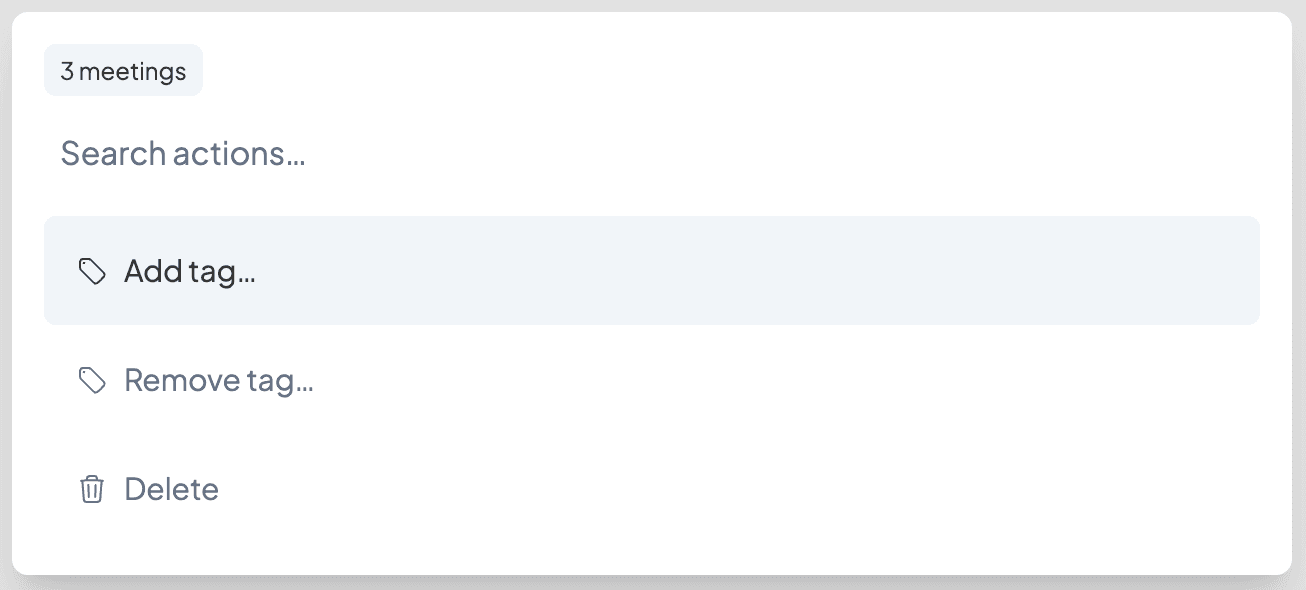
You can now select and take actions on multiple meetings from the meetings page. Click the avatar next to a meeting to select it, or use ⌘/Ctrl A to select all. Once meetings are selected, take action on them from the menu at the bottom, or use ⌘/Ctrl K to open the command bar and choose your preferred action–such as adding or removing tags, or deleting meetings.