Run automations for external meetings
Set automations to only run when someone from outside your team is invited
- Create an automation.
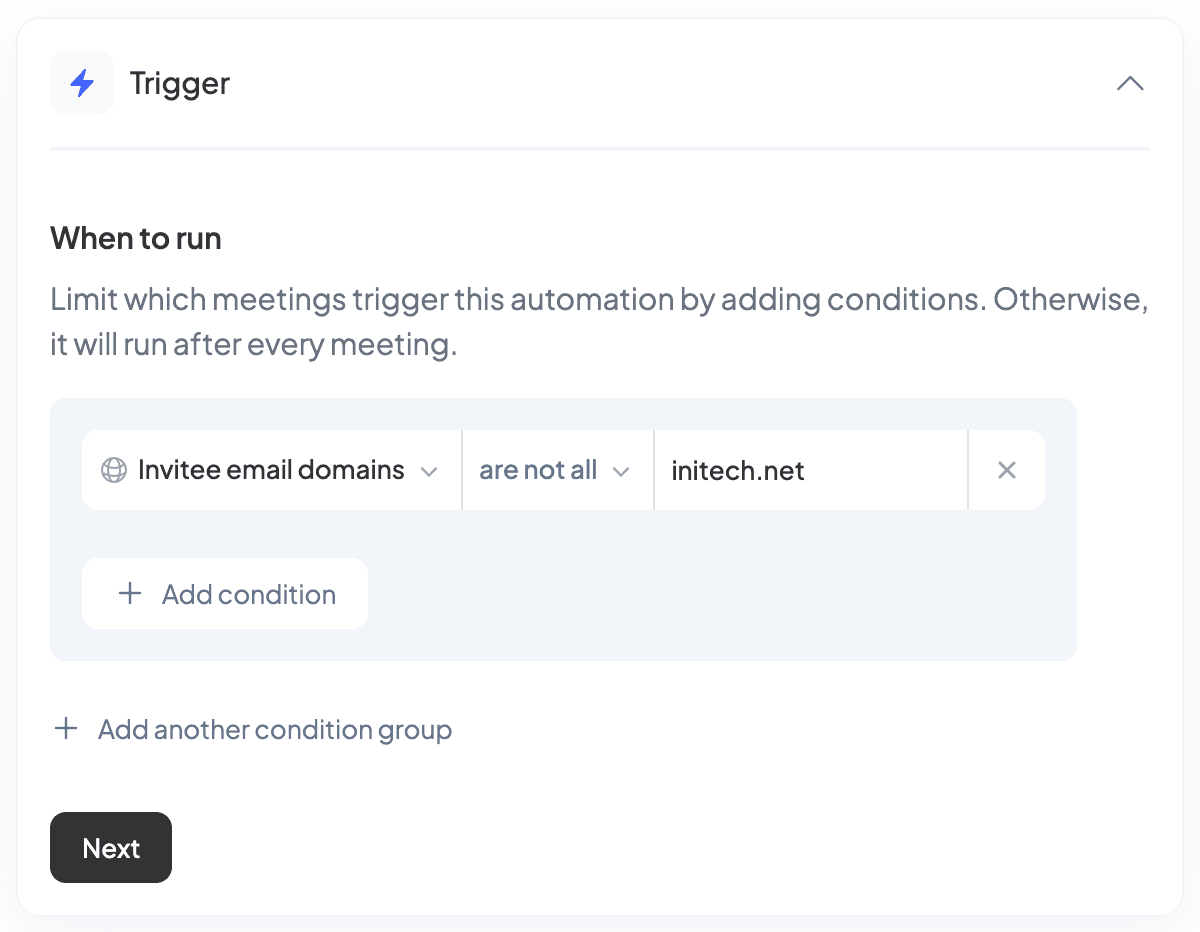
- Add condition group.
- Set email invitee domains to are not all and enter your company domain (e.g. initech.net).
- Click Next.
Related articles
Share an automationInstructions on how to share automations with your teamGetting started with automationsHow automations work, what you can do with them, and how to get startedEnable automations for your workspaceTurn on an automation for your whole workspace, a team, or specific membersRun automations for past meetingsView and manually run automations for past meetings