Data retention settings
Control how long meeting recordings, transcripts, and other data are kept
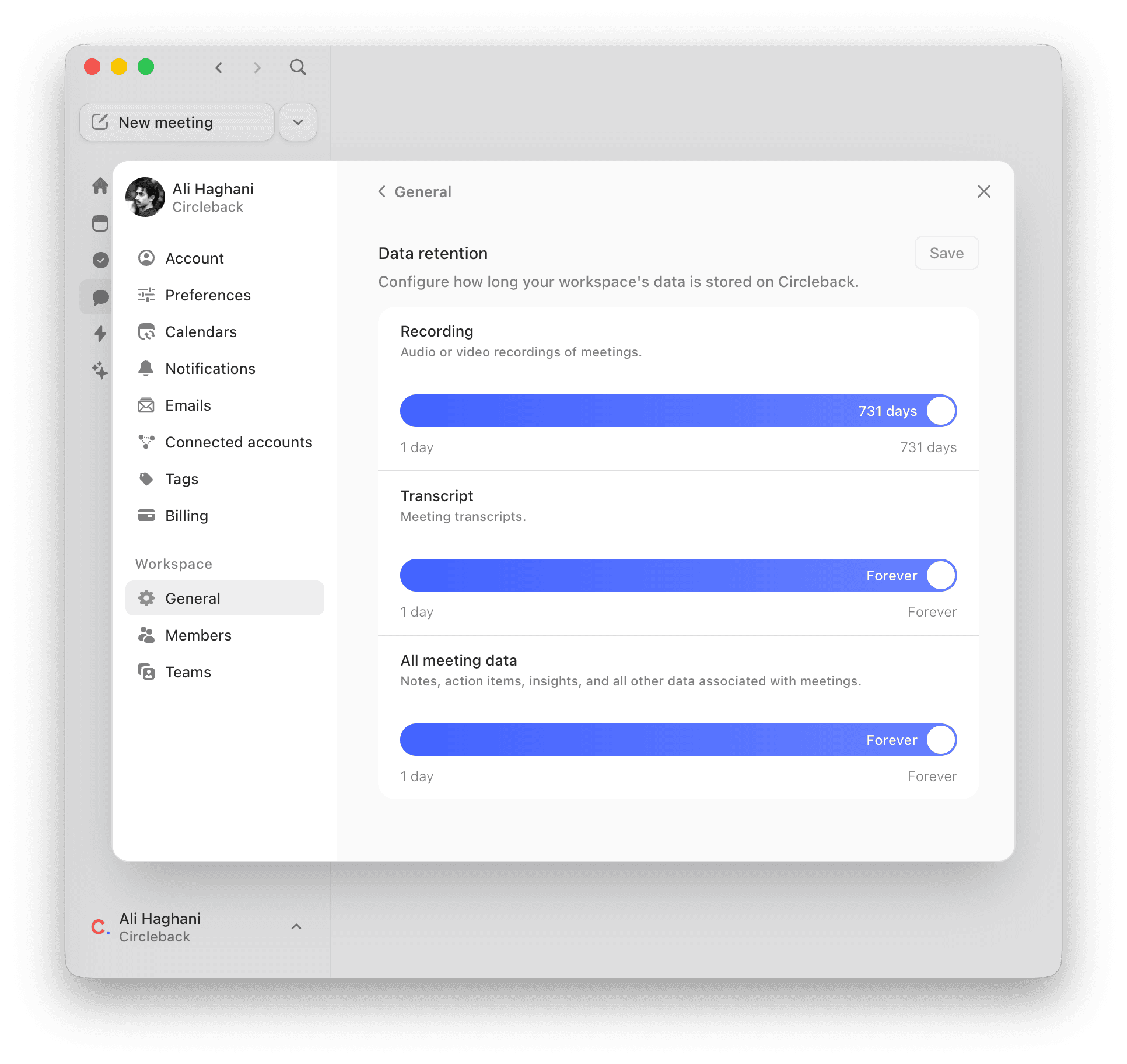
Workspace admins can control how long meeting data is stored on Circleback. Go to Settings → General (under Workspace) and scroll to the Data retention section.
There are three categories, each with an adjustable slider:
- Recording: audio or video recordings of meetings.
- Transcript: meeting transcripts.
- All meeting data: notes, action items, insights, and all other data associated with meetings.
When a retention period expires, that data is permanently deleted and cannot be recovered. These settings apply to all meetings across the workspace.
Related articles
Delete a meetingHow to delete all data associated with a meetingDelete your accountPermanently delete your account and all associated dataDefault and enforced workspace settingsConfigure default and enforced settings for your workspaceExport your account dataRequest a download of your Circleback account data