Connect other AI apps like ChatGPT, Claude, Cursor, and more to Circleback
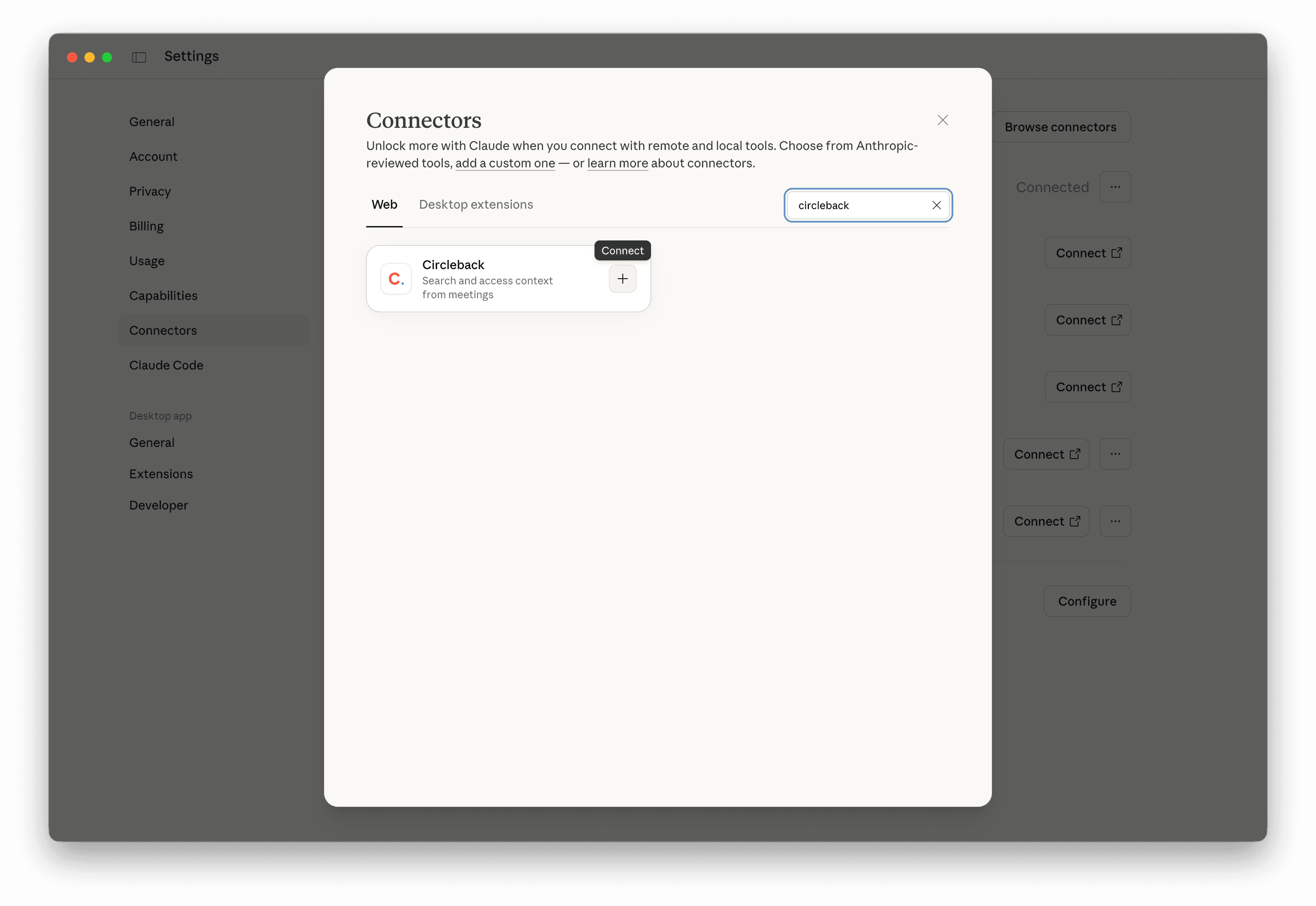
Circleback's Model Context Protocol (MCP) server provides a standardized interface that allows any compatible AI app like Claude and ChatGPT to access your Circleback data in a simple and secure way.
Once connected, your AI assistant can search and access your meetings, emails, calendar events, and more all without leaving your AI app. This eliminates the need to copy and paste between Circleback and other AI apps.
The MCP server follows the authenticated remote MCP spec, so the server is centrally hosted and managed.
The Circleback MCP server supports Streamable HTTP transports. It uses OAuth with dynamic client registration for authentication at https://circleback.ai/api/mcp.
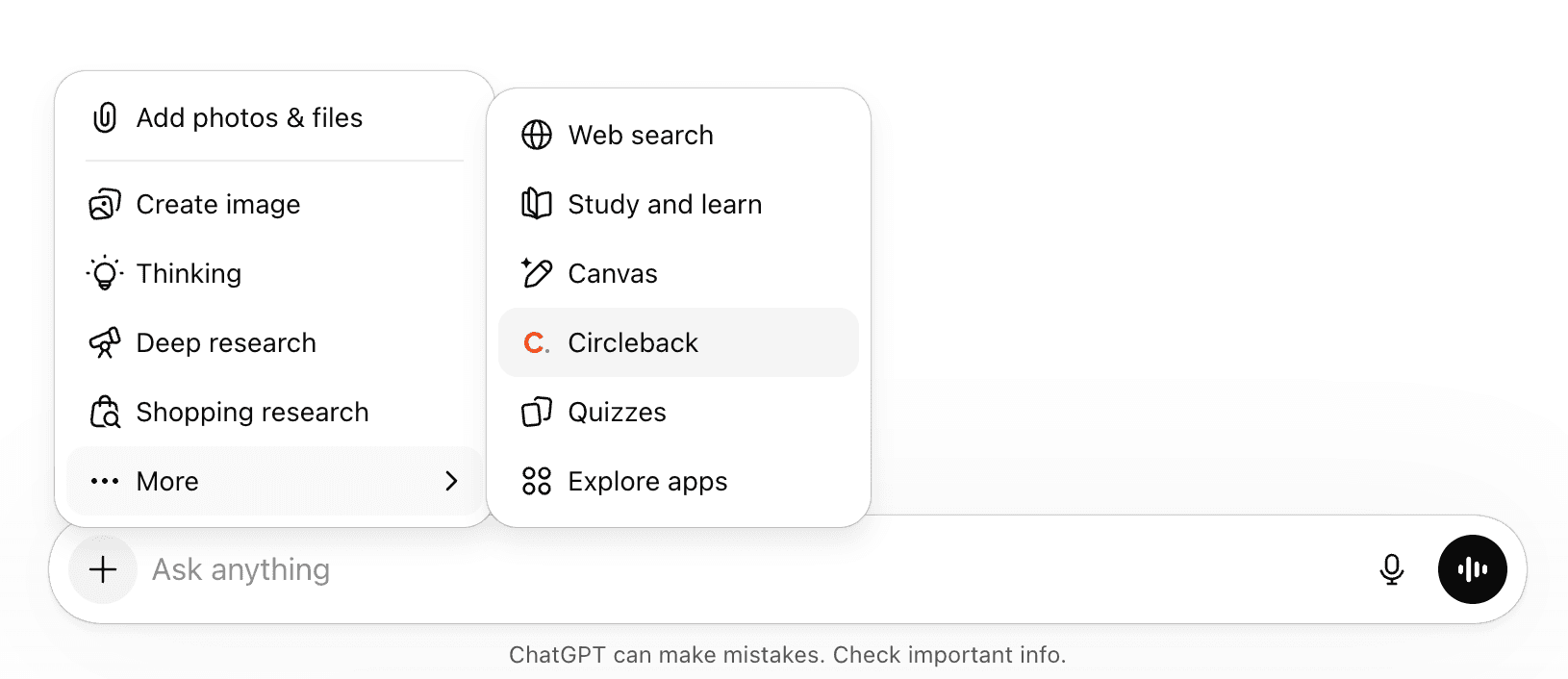
Connect the Circleback ChatGPT app here. Once connected, ChatGPT will automatically reference Circleback when relevant, like when you ask about meetings or conversations.
You can also explicitly add Circleback in your message to make sure it's used.
This will automatically prompt you to log in with your Circleback account and connect it to Codex.
Note: If this is the first time you are using an MCP in Codex you will need to enable the rmcp feature for this to work. Add the following to your ~/.codex/config.toml
The Circleback MCP server has tools available for searching, accessing, and updating data from your Circleback account like meetings, transcripts, calendar events, emails, people, companies, and more powered by the tools below.
SearchMeetings: Find meetings by keyword, date range, tags, attendee, or domain.
ReadMeetings: Get detailed information for specific meetings, including notes, your private notes, attendees, action items, insights, tags, and duration.
UpdateMeeting: Update a meeting's name, notes, your private notes, or tags.
UpdateCalendarEvent: Update private notes or tags for a meeting before it starts.
ShareMeeting: Share a meeting with a person, team, workspace, or anyone with the link, or remove access.
SearchTranscripts: Search across all meeting transcripts to find where something was mentioned. Returns matching results with timestamps.
GetTranscriptsForMeetings: Get the full transcript for one or more meetings, with speaker labels and timestamps.
SearchActionItems: Find action items by keyword, status (pending or done), assignee, tag, or date range.
CreateActionItem: Create an action item, optionally with a description or linked to a meeting. It's assigned to you unless you name someone else or ask to leave it unassigned.
UpdateActionItem: Update an action item's title, description, status, or assignee.
DeleteActionItem: Delete an action item.
SearchCalendarEvents: Search upcoming and past calendar events, including attendees, meeting links, and join status.
SearchEmails: Search connected email accounts for threads by keyword, sender, recipient, or date range.
FindProfiles: Look up people by name to see their profile and interaction history across meetings.
FindCompanies: Look up companies by name or domain to find their domain and related meetings.
ListTeams: List your workspace and its teams, with the IDs for sharing.
ListTags: List all tags in your workspace, useful for filtering meetings, transcripts, or action items.
CreateTag, UpdateTag, DeleteTag: Create, rename, recolor, or delete tags.
SearchSupportArticles: Search Circleback support documentation for help and how-to guides.
Tools that make changes, like creating or deleting an action item, need write access. Circleback asks for it when you connect, and your AI app can still ask you to confirm each change. If you connected before these tools were available, disconnect and reconnect Circleback in your AI app to grant write access.